
 Sign in
 Create Account

CSR Generation: Ensim Webppliance 3.1.x
Login to the Site Administrator or Appliance Administrator and select the site to administer.

Select Services

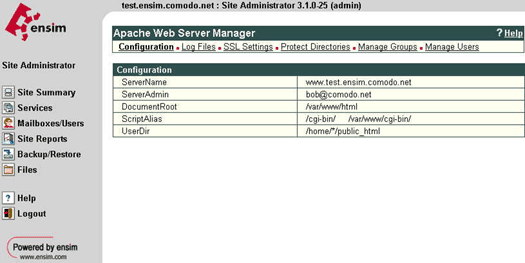
Select the Actions box next to Apache Web Server and then select SSL Settings
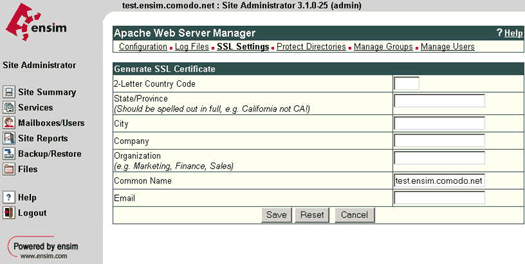
Select Generate and fill in the required details, the site name will automatically be entered into the Common Name field, ensure this is correct and contains the Fully Qualified Domain Name (e.g. secure.comodo.com, www.comodo.com, support.comodo.com)
Select Save and you are presented with the RSA Key and the Certificate Request (CSR)
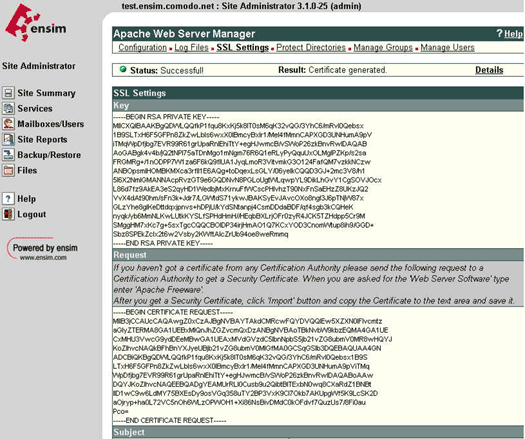
Copy the Certificate Request into a text editor, this will be required when you purchase your certificate.
Do not delete this request as it will be needed during the installation of your SSL certificate.


